Nicola Losito
nicklos@nicolalosito.it
Show content
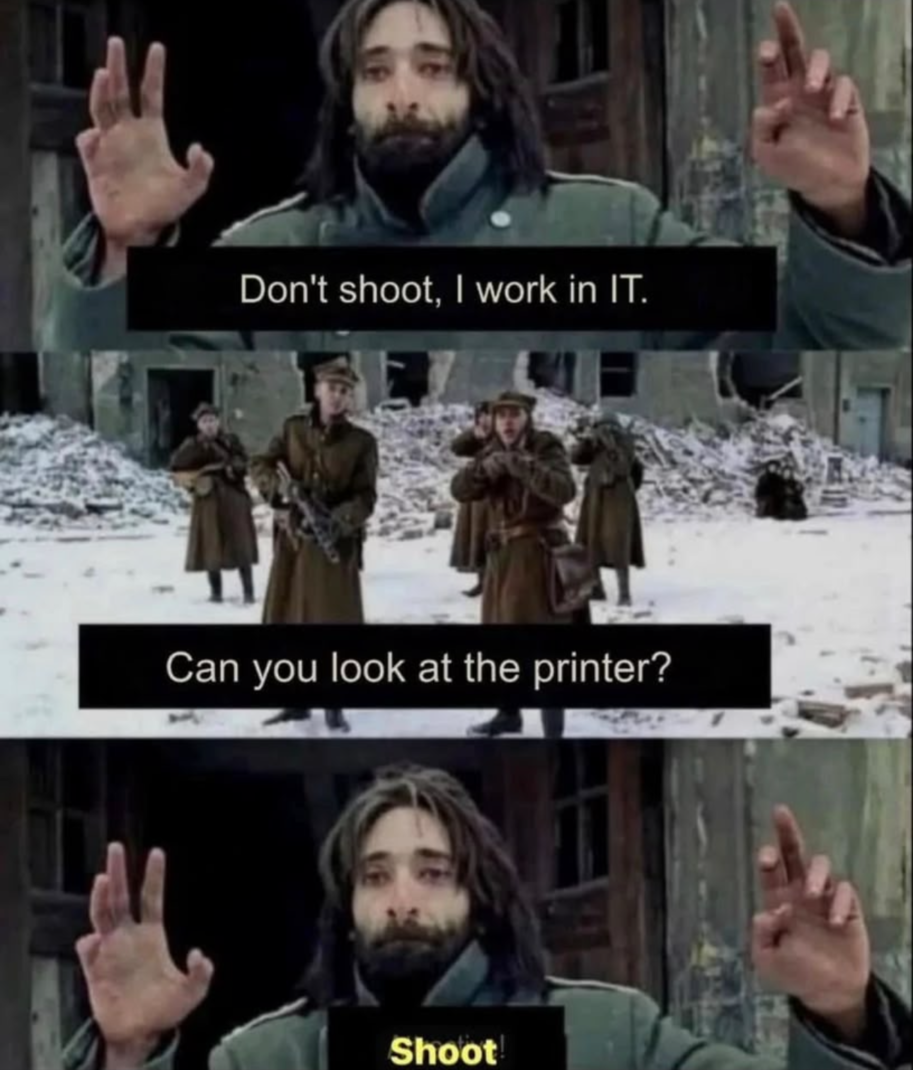
I’ve been in IT circa for twenty-seven years and one of the most frustrating issue a users (or a sysadmin) can have is to deal with some (rubbish) printer hardware or software.
It goes from a simple black and white HP printer connected via USB cable to a Windows laptop to the big network Xerox unit with 6 trays of paper and lots of additional features. If you have the ‘wrong’ combo of operating system and driver you’re doomed forever (or, at least, until you give up and change the printer),
Along with peace and healt, a click and print workflow comes in the top 10 of my desiderata 😈

 1
1
 0
0
 0
0

joepie91 (🔜 eth0; status: aaaaaaa)
joepie91@slightly.tech@nicklos A couple years ago I piled a bunch of money into buying a (color) Brother laser with "AirPrint" support (which just translates to IPP Everywhere under Linux) and since then it's just click-and-print.
It cost me several hundred euros and even though I don't actually print *that* much, it was *still* very much worth it. Just in saved frustration and hassle and distractions alone.
1
0
0

 /Cinny




joepie91 (🔜 eth0; status: aaaaaaa)
joepie91@slightly.tech@charlotte @nicklos oh yeah, they generally seem to work well, it's just that I absolutely did not want to have to fuck with printer-specific driver support under Linux, and something AirPrint-certified is by far the most likely thing to work because it's basically a universal generic printing driver/protocol and the only real difference between Apple's AirPrint and the vendor-agnostic IPP Everywhere is the set of required-to-support document formats, and in practice nearly every manufacturer just supports at least one of the vector and raster formats you may want to use
2
0
1
joepie91 (🔜 eth0; status: aaaaaaa)
joepie91@slightly.tech@charlotte @nicklos (it is technically *possible* to get an AirPrint printer that only supports the dogshit-quality fallback raster format under Linux, but there are so few of those that you'd make a list of the ones that *don't* work rather than of those that do)
1
0
0
joepie91 (🔜 eth0; status: aaaaaaa)
joepie91@slightly.tech@charlotte @nicklos also speaking of Brother, I think they're literally the only printer manufacturer I've ever heard speak out against cartridge/toner DRM *explicitly*, and for that alone they should be at the top of everyone's list of options IMO, even if they're usually a little more expensive
1
1
1
joepie91 (🔜 eth0; status: aaaaaaa)
joepie91@slightly.tech@charlotte @nicklos do make sure to check if your printer doesn't secretly support IPP Everywhere too (if it's networked), I think it's not always printed on the box and not every distro comes with the IPP Everywhere driver for CUPS included by default, so it's easy to accidentally overlook that you have a compatible printer because it wouldn't show up as such without those drivers
2
0
0
joepie91 (🔜 eth0; status: aaaaaaa)
joepie91@slightly.tech@charlotte @nicklos heh, I did actually have to replace the toner once. I'm guessing I'll be using the new toner until the heat death of the universe
0
0
1
joepie91 (🔜 eth0; status: aaaaaaa)
joepie91@slightly.tech@charlotte @nicklos (also some printers support IPP Everywhere but not AirPrint because they don't *quite* meet the specs set out by Apple, in which case it probably doesn't say anything on the box or in the manual)
0
0
0
joepie91 (🔜 eth0; status: aaaaaaa)
joepie91@slightly.techShow content
@charlotte @nicklos So it's a little odd, because there's a FAQ entry on the Brother site that explicitly says it doesn't support AirPrint (and Mopra support is not specified anywhere, which is the Android version), but then there's this on the Italian site: https://support.brother.com/g/b/spec.aspx?c=it&lang=it&prod=dcpl2510d_eu
Which claims that it supports IPP *over IPv4*, but not "IPP Everywhere". I *think* IPP itself is similarly driverless? But if this means what I think it means, you can probably use a generic IPP driver to print to it over USB or the network, it just won't have auto-discovery.
The printer should have a button to print a page with the network information (it may be part of the test page on your model), have a look at that and go to the control panel URL/IP/port that it indicates, and have a browse around to see if you can find anything about IPP support over network anywhere? It may be possible to set it up in CUPS to print driverlessly if you specify the IP/port manually...
1
0
0
joepie91 (🔜 eth0; status: aaaaaaa)
joepie91@slightly.techShow content
@charlotte @nicklos Wait, then why does the Brother site talk about IPv4 at all? That's bizarre...
1
0
0
joepie91 (🔜 eth0; status: aaaaaaa)
joepie91@slightly.techShow content
@charlotte @nicklos It's weird because AFAIK they usually use distinct model numbers for those with different features (like ending in -30 instead of -10), unless it's literally additional plug-in upgrade modules or something
0
0
0